


This email was sent to all students registered for summer classes.
June 27, 2025
Welcome to Summer Session!
Summer Classes Begin This Monday, June 30
Welcome – or welcome back – to summer session at De Anza! In this email, you'll find some helpful tips for a great summer!
 Remember to check the class listings and click the title of each course you are taking – or thinking about taking – to read the footnotes and learn whether the class will have regularly scheduled meeting times and whether it will be taught on campus or online – or as a hybrid class that includes both on-campus and online instruction.
As always, student services are also available online and in person. Check the Quarter Guide and Student Services Guide for the latest updates, contact information and hours.
There will be no classes on Friday, July 4, in observance of Independence Day. Other important dates will vary by course section – including deadlines to add or drop a course. Check your class schedule in MyPortal or ask your instructor.
Adding Classes
You can search for open and newly added classes in MyPortal. Click on the Student Registration card and open the Registration Dashboard. Then select "Browse Classes" and click the box to filter for "Open Sections Only." (See the Registration Guide for more tips.)
- To Add Classes Before Monday, June 30
- Follow the Steps to Register
- To Add Classes After the Quarter Begins:
- Attend the first class meeting – or email the instructor – to ask for an Add Code if space is available.
- Beginning on the first day of class, you can use the Add Code in MyPortal. (It won't work before then.)
- Follow the Steps to Add a Class.
It is your responsibility to drop a class if you decide not to take it.
Order Books and Materials Online
- You can order books, materials and computers from the Bookstore's new online store.
- Search the Bookstore site for course materials by class, or enter your CWID to see a list of your courses and required materials.
- You'll also find a Follett Bookstore tile in the Apps section of MyPortal that will take you to a personalized page, where you can review and purchase all course materials for your classes.
- During the checkout process, you can select “Financial Aid/Scholarship” as your payment method if you have an award that provides funds for these purchases.
-
- Follow the instructions to enter your CWID and select the available aid that you want to use.
- Use other awards FIRST, if available, BEFORE using these three in the order listed here: "California Promise," then "New Promise" – and always use Pell Grant funds LAST.
-
Flint Center Drop-Off Area Closed
 The passenger pickup and drop-off area near the Flint Center will be temporarily closed
for most of next week. Please use the alternate drop-off areas in Staff/Student Lot
A outside the Registration & Student Services (RSS) Building, or in Lot C between
the L Quad and PE complex. (See campus map.)
The passenger pickup and drop-off area near the Flint Center will be temporarily closed
for most of next week. Please use the alternate drop-off areas in Staff/Student Lot
A outside the Registration & Student Services (RSS) Building, or in Lot C between
the L Quad and PE complex. (See campus map.)
You can still park in the Flint Garage. However, the roadway between the Flint Garage and Flint Center has been temporarily narrowed to one lane, which is also being used by construction vehicles.
The Flint drop-off area is expected to re-open later in July.
Payment Reminder
Payment is due in full at the time of registration and when adding subsequent classes. If you have a balance due you can pay online with a credit card or sign up for an interest-free installment plan.
Registration holds will be placed on delinquent accounts.
Campus Parking Fees Waived
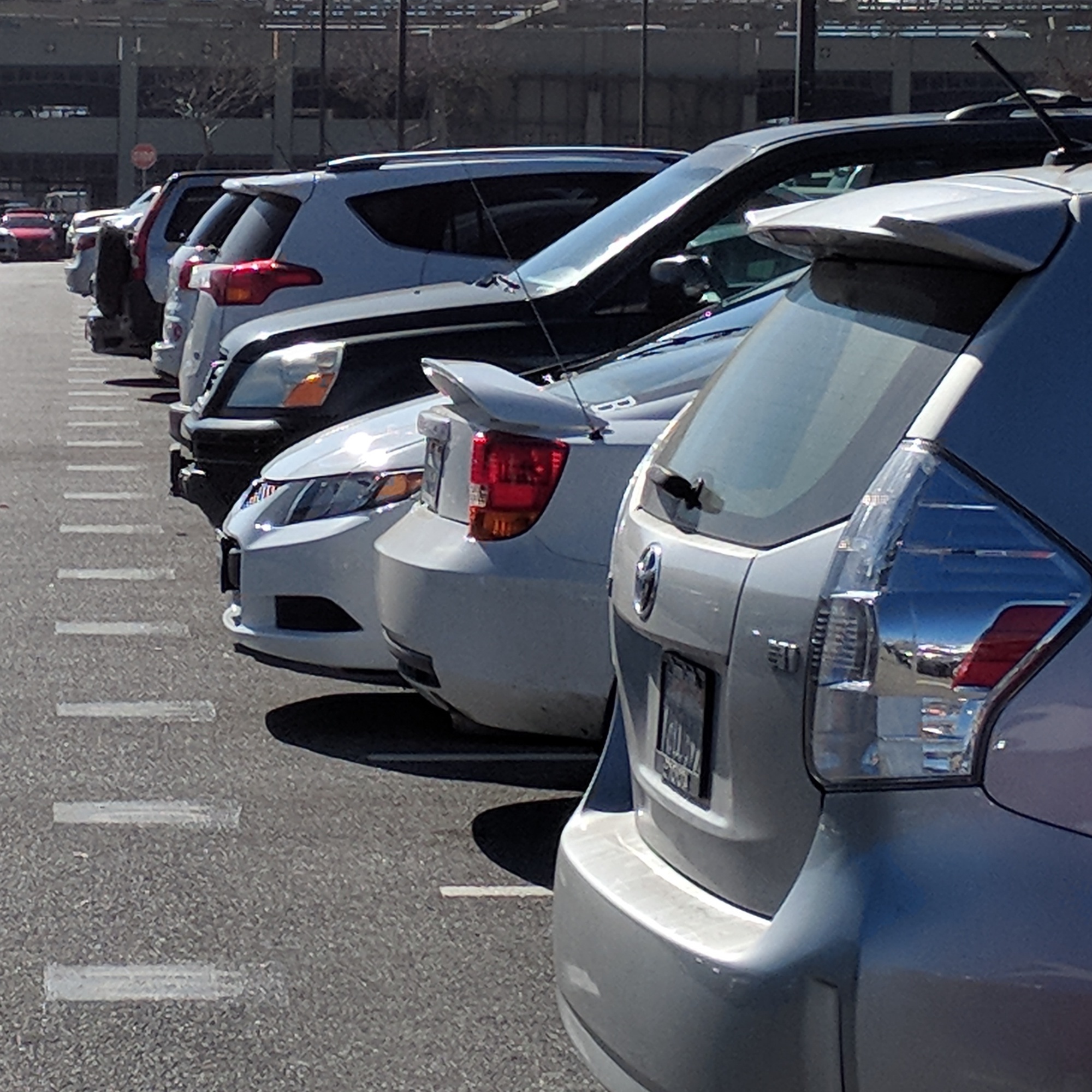 Under a temporary policy, students can park free on campus during the 2024-25 academic year, without purchasing a parking permit.
Students should continue to park only in spaces designated for students.
Visit the Parking Information website to learn more.
Free Mental Health Support, 24/7
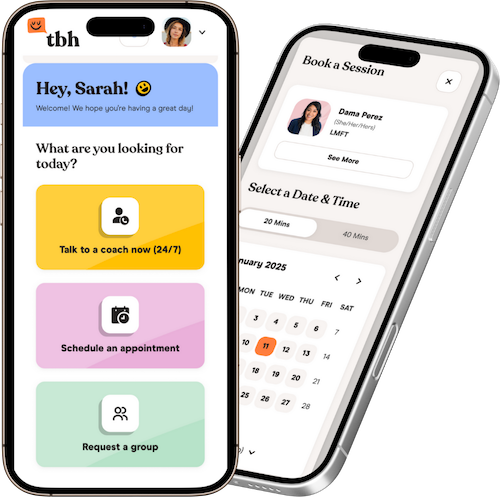 If you're feeling stressed or overwhelmed, you can speak with a mental health professional through TBH, a free service that’s available online, any time. TBH offers one-on-one counseling as well as group sessions, digital self-help resources and referrals for basic needs.
TBH is available to all registered students at De Anza and Foothill colleges. You can learn more and sign up for the new service at deanza.edu/resources/tbh.
Need Room to Zoom?
 If you're thinking about adding a class, we've made it easier to take classes both
online and on campus – with new designated spaces for logging in to Zoom on campus. You'll find power and Wi-Fi in these locations:
If you're thinking about adding a class, we've made it easier to take classes both
online and on campus – with new designated spaces for logging in to Zoom on campus. You'll find power and Wi-Fi in these locations:
- Campus Center
- Advanced Technology Center
- Media and Learning Center
Look for the Zoom Spaces map at deanza.edu/students/zoom-spaces.
Ed Plan Help for Transfer Students
 If you’re a new student who declared an associate degree for transfer (ADT) as your goal, you’ll find a helpful education plan already loaded in your Degree Works account, which you'll find in MyPortal.
Check it out and contact your counselor with any questions.
(You can find your educational goal listed in the MyPortal student registration app and update it as needed.)
Online Assistance
 We’ve made it easy to find answers and assistance!
- Click the "Ask Us" button on the college website to reach Chat Cat – for quick answers to frequently asked questions.
- Check the Video Help Series at deanza.edu/vhs-guide for quick video tutorials on applying for financial aid, completing assessment or other tasks.
- Need tech support? Now there's a central place to find information about student email accounts, campus Wi-Fi and Zoom spaces, where to borrow a computer and how to get help with other technology questions! Visit deanza.edu/students/tech-support.
How to Get – and Keep – Priority Enrollment
Priority enrollment helps you get your best registration date each quarter. See the complete list of steps to get priority enrollment.
Want to Save Money on Books and Materials?
Look for the green Zero-Cost and Low-Cost symbols when you search the course listings. For information, visit deanza.edu/save-on-books.

Need Assistance with Food, Basic Needs or Financial Emergencies?
You're not alone. Visit deanza.edu/resources to learn about resources available to you.

Check out the De Anza mobile app. You can use it to register and pay fees on your mobile device.


Text Messages
De Anza College occasionally sends text messages to remind students about important deadlines or events. We won't try to sell you products or give your number to anyone other than a college representative for official purposes. You can opt out of receiving texts any time.